TorchAPI.com is powered by Qonzer! Check them out for the ultimate game server hosting experience.
Grid Removal Warning
Author: silent1_1
Latest Version: 0.2.6
Cumulative Downloads: 7
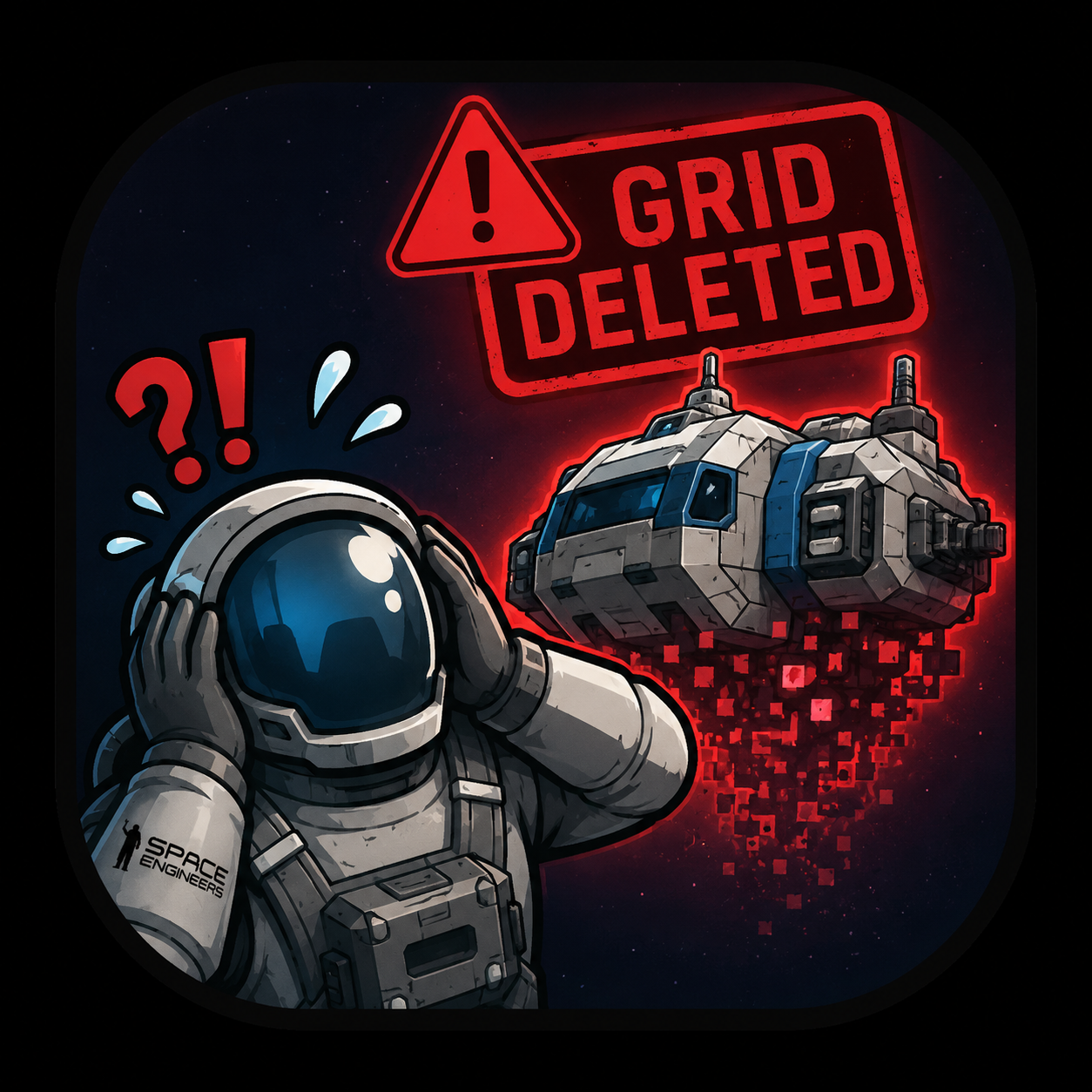
Grid Removal Warning helps prevent players from losing grids to server cleanup by warning them when their grids don't meet your configured cleanup requirements.
"Why did my grid get deleted? It had a beacon and it was powered!"
This is a very common complaint on dedicated public servers.
Even when you have reminder messages telling players to name their grids or place a beacon on them, you will still have players who lose their grids because they forgot to follow the cleanup rules.
Yes, it is ultimately the player's responsibility to read the server cleanup conditions and make sure their grids comply with them. But humans forget things. Even experienced players can sometimes forget to place a beacon, rename a grid, or otherwise meet the requirements.
This is where Grid Removal Warning comes in.
The plugin runs quietly in the background like an overprotective big brother, checking player grids to see if they meet the criteria that could cause them to be removed by your server's cleanup rules.
If a grid is missing something required by your rules, the plugin sends the owner a warning telling them which grid has a problem and why.
This gives players a chance to fix the problem before the cleanup happens.
Features
1. Specific Block Checks
Configure one or more blocks that a grid must contain to avoid cleanup warnings.
You can configure multiple required blocks if your server needs them.
(No idea why you would need more than one, but hey, the option is there.)
2. Generic Grid Name Checks
The plugin can check grid names for configurable generic names.
By default, you can configure names such as:
- Large Grid
- Small Grid
- Static Grid
You can add, remove, or modify the names according to your server's cleanup rules.
If a grid's name contains one of the configured generic names, the plugin will warn the owner.
3. Subgrid Support
Both block checks and generic name checks can be configured to either:
- Include subgrids
- Ignore subgrids
This allows the plugin to match the specific cleanup rules used by your server.
Commands
The plugin adds three commands to your server.
!grw check
Available to everyone.
Checks the grid of the player running the command.
This is useful when a player isn't sure whether they have renamed their grid correctly or added the required block.
It provides a quick way for players to check their own grid without going threw all their grids.
!grw scan
Admin only.
Scans the server for grids that have issues according to your configured cleanup rules.
This command only generates reports and does not send warnings to players.
Useful for administrators who want to see which grids currently have problems.
!grw warn
Admin only.
Forces the plugin to perform a scan and send warnings to players whose grids do not meet the configured requirements.
This can be useful when you want to manually trigger a warning scan.
Automatic Scanning
The plugin can automatically scan grids at a configurable interval.
You can also disable automatic scanning entirely.
For example, if you want players to receive warnings only shortly before your server's cleanup process, you could disable the automatic scan and use a scheduled command system such as Essentials to run:
!grw warn
For example, you could schedule the warning scan to run 15 minutes before your regular cleanup command.
This gives players a final reminder to fix their grids before cleanup.
Feedback
Feedback, suggestions, and bug reports are strongly welcome!
If you have ideas for new cleanup checks or improvements, feel free to let me know.
You can find me on the Torch Discord.
Thanks for checking out the plugin!
Ways to support the author directly